Get Started
Follow these quick steps to create your first AssistLore AI Agent and get it running on your site.
Sign up
On the main page, click the Get Started button or use the Login button in the header to create an account.
Account Plans & Credit System
AssistLore offers monthly credit-based subscription plans designed to give users flexibility, scalability, and transparent usage across all AI-powered features. When you subscribe to any AssistLore plan, a fixed number of credits are added to your account every month, which you can use according to your workflow and project needs.
Create your agent
Go to the Agents page via the navigation. Click the New Agent button (top-right corner of the agents list) and select your website type to begin.
Agent details
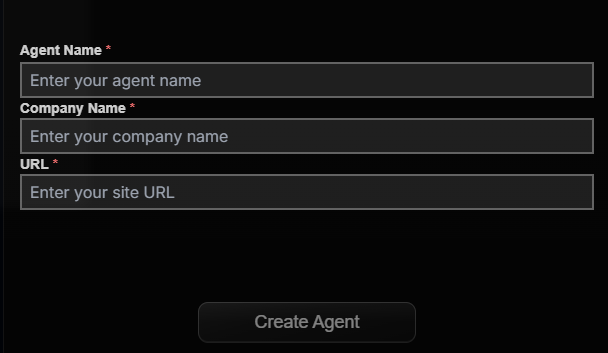
Choose your website type and fill your agent name, and Company name, and website URL on the Create Agent form and click create agent button.
UI & agent
When you click Create Agent, the agent is created and then open the UI design page.